How do I create a new treatment type?
Add a treatment and then configure its available durations and prices.
Public guide
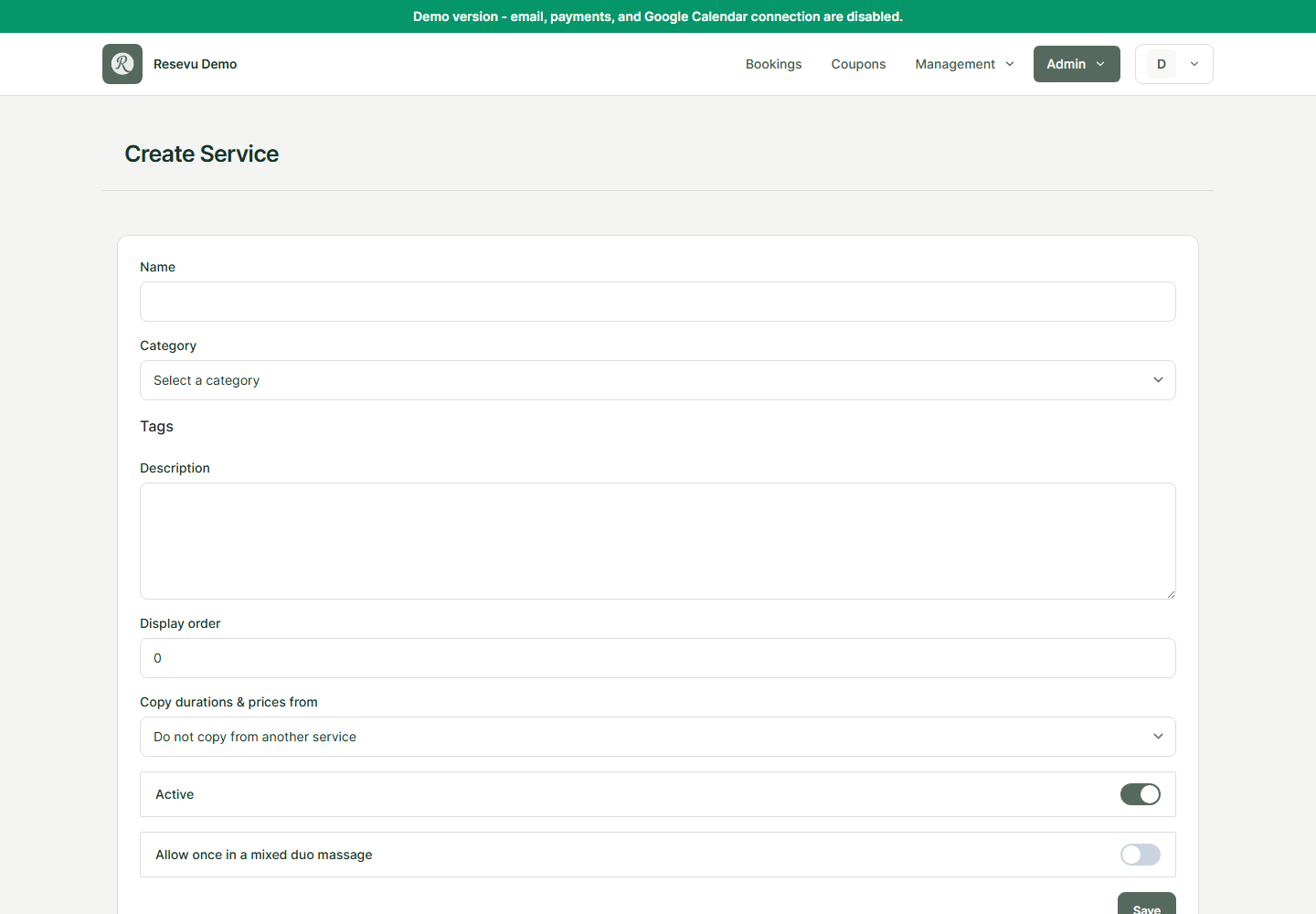
Add a treatment type
- Open Treatment types in the admin menu.
- Choose New treatment type.
- Enter at least the name.
- Optionally select a category and one or more tags.
- Add a short description so clients can understand the difference between treatments.
- Keep Active enabled if clients may book it immediately.
- Enable Allow once in a mixed duo massage when this treatment is performed for one person but may be used as one of the two treatments in a duo booking.
- Choose Save.
Configure durations and prices
After saving, open the treatment type details and add every bookable duration, such as 30, 60 or 90 minutes, with its corresponding price.
If the treatment does not appear online, verify that it is active, has at least one valid duration and price, and is assigned to an available employee.